BlogsApps & tools
Tree identification app: Anthaly on iOS vs free web ID
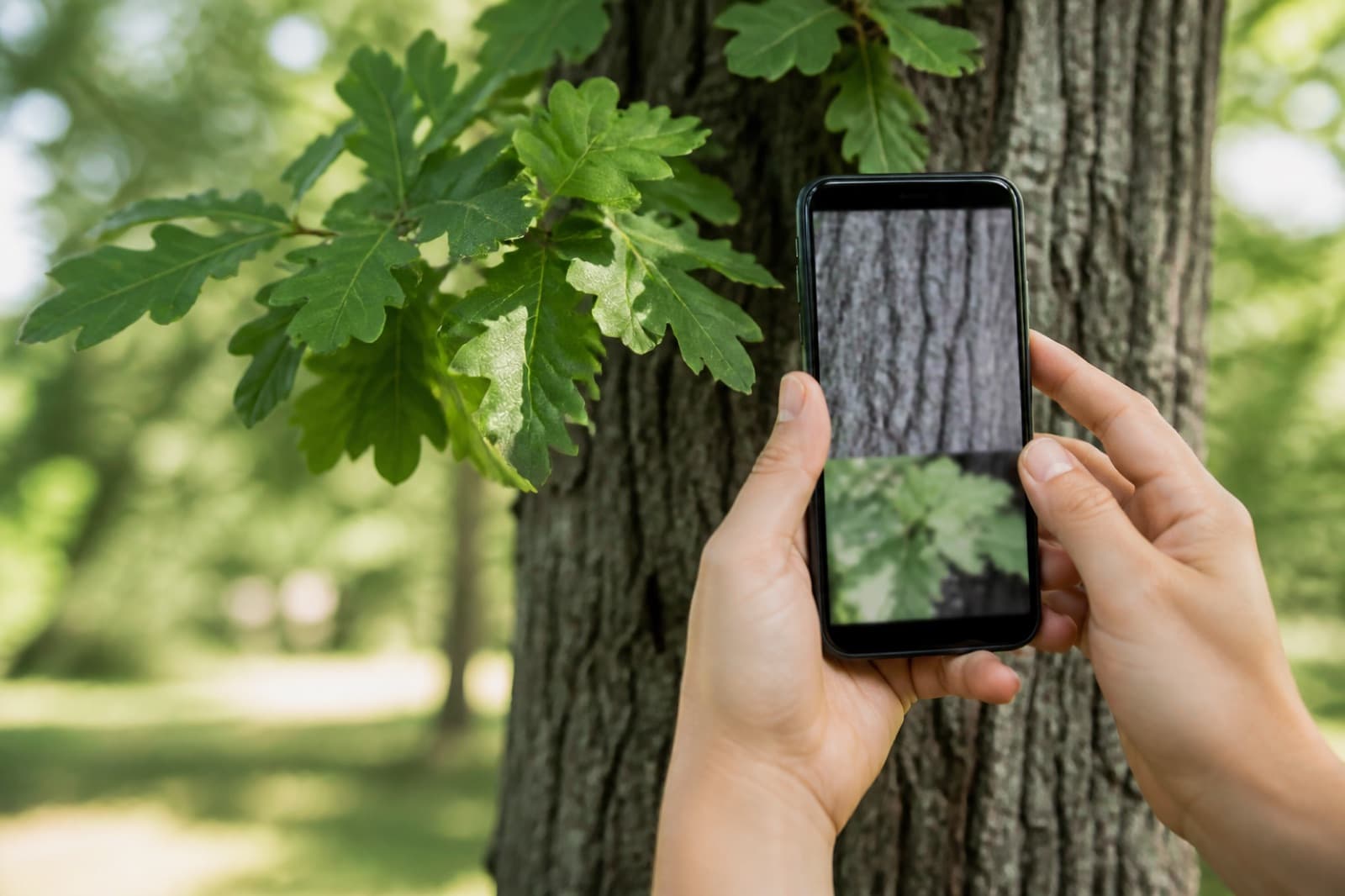
A good tree identification app turns a leaf, bark, or canopy photo into a usable species name in seconds. That is ideal on walks, school projects, and landscape jobs when you cannot carry a field guide.
What a tree identification app should do
- Accept photos of leaves, bark, flowers, fruit, or overall form
- Return common and scientific names with a confidence score
- Work quickly on mobile without complicated setup
- Offer deeper profiles when you need more than a quick ID
Web tree ID vs a dedicated iOS app
On the web, you can already use our free tree identifier by picture tool to get a basic name from a photo. For richer species details, plant disease & pest detection, and status tracking for plants at home, a native app is stronger.
Anthaly is our iOS tree identification app experience — built for gardeners who want more than a one-time name lookup.
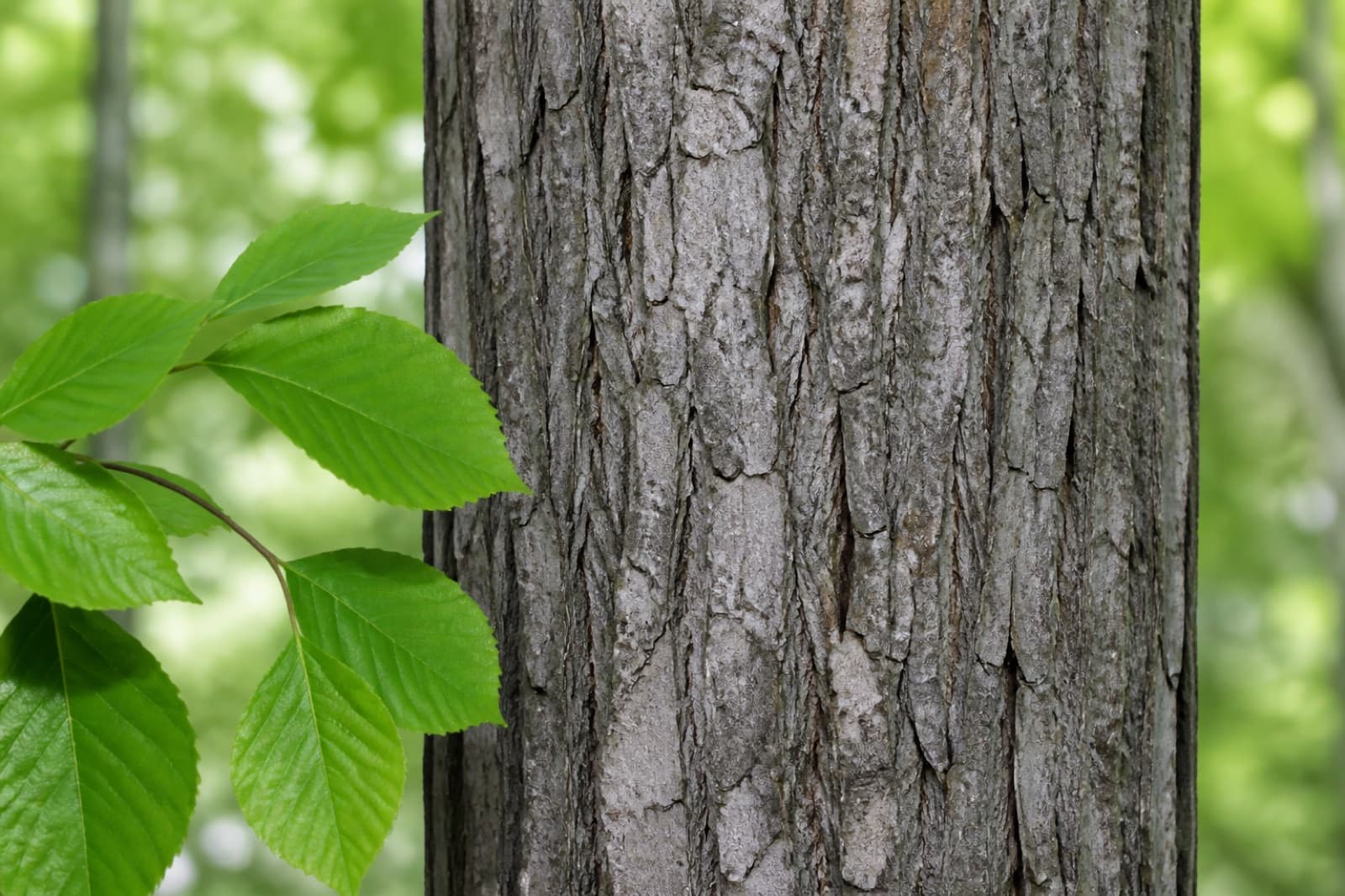
Tips for better tree photo results
- Photograph a full leaf including the stem attachment when possible.
- Add a bark shot for leafless winter trees.
- Keep one tree in frame; crowded branches confuse matches.
- Use daylight and avoid extreme zoom blur.
Try both: free web tool + Anthaly iOS app
Start with a free photo ID on the website, then download Anthaly when you want fuller tree guides and on-the-go disease checks. That combination covers both casual curiosity and serious garden monitoring.